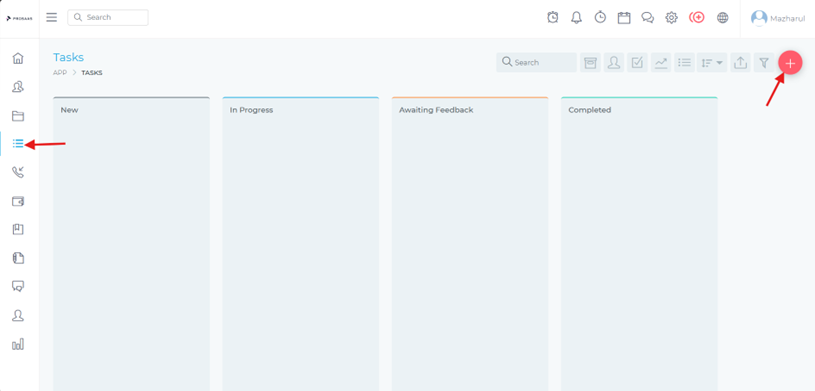
Creating and Assigning Tasks
To create and assign tasks:
1. Creating Standalone Tasks:
- Navigate to the "Tasks" section
- Click "+ New Task"
Define task details:
- Title and description
- Due date
- Priority (Low, Medium, High, Urgent)
- Estimated time
- Related project or client (optional)
2. Creating Project Tasks:
- Within a project, go to the "Tasks" tab
- Click "+ Add Task"
- Define task details as above
- The task will be automatically linked to the project
3. Assigning Tasks:
- Select team members from the assignee dropdown
- Assign to multiple team members if needed
- Set notification preferences for assignment