Defining User Roles
Create and customize user roles:
1. Default Roles:
- Administrator: Full access to all features and settings
- Manager: Access to most features with limited administrative capabilities
- Team Member: Standard access to assigned projects and tasks
- Client: Limited access to specific projects and documents
2. Custom Roles:
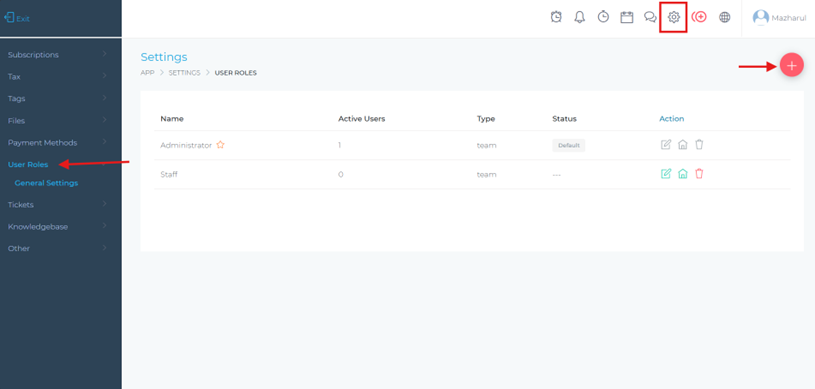
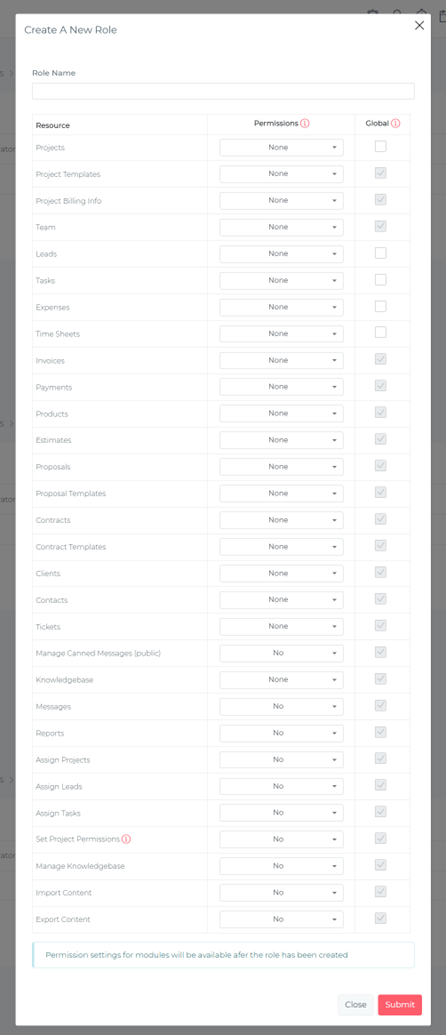
- Navigate to "Settings" > "User Roles"
- Click "+ New Role"
- Define role name and description
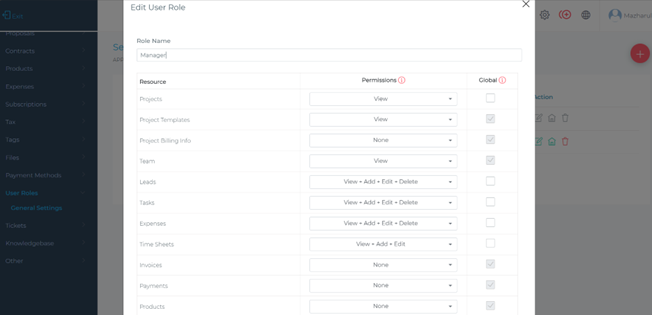
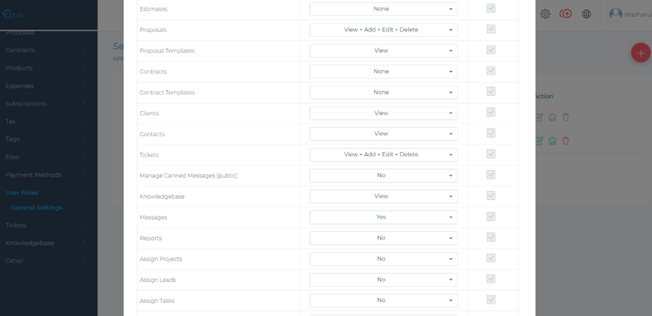
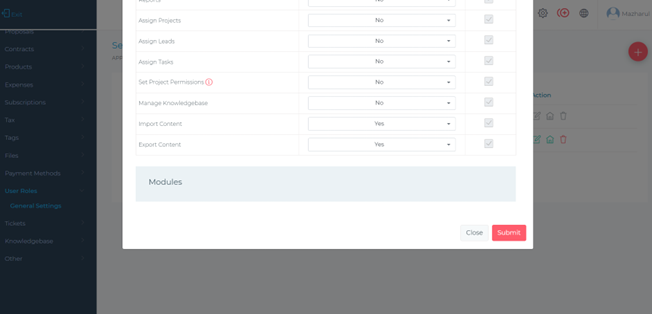
- Configure permissions for each module and feature
- Save the custom role
3. Permission Settings:
Set granular permissions:
- No Access: Cannot view or interact with the feature
- View Only: Can see but not modify
- Edit: Can view and modify but not delete
- Full Access: Complete control including deletion